Every feature
Timesheets, approvals, rates, budgets, invoicing, leave and scheduling, one at a time.
See the featuresFor engineering consultancies
An engineering consultancy sells its people's hours by the project, in phases, at rates that change over the years. ReliTime records the hours that way, approves them, prices them at the rate in force on the day, and turns them into GST invoices.
Set up a job for each engagement, split it into the phases you quote on, and give each phase the tasks people actually do. A job's task list can be imported from a spreadsheet, and any job can be saved as a template for the next one like it.
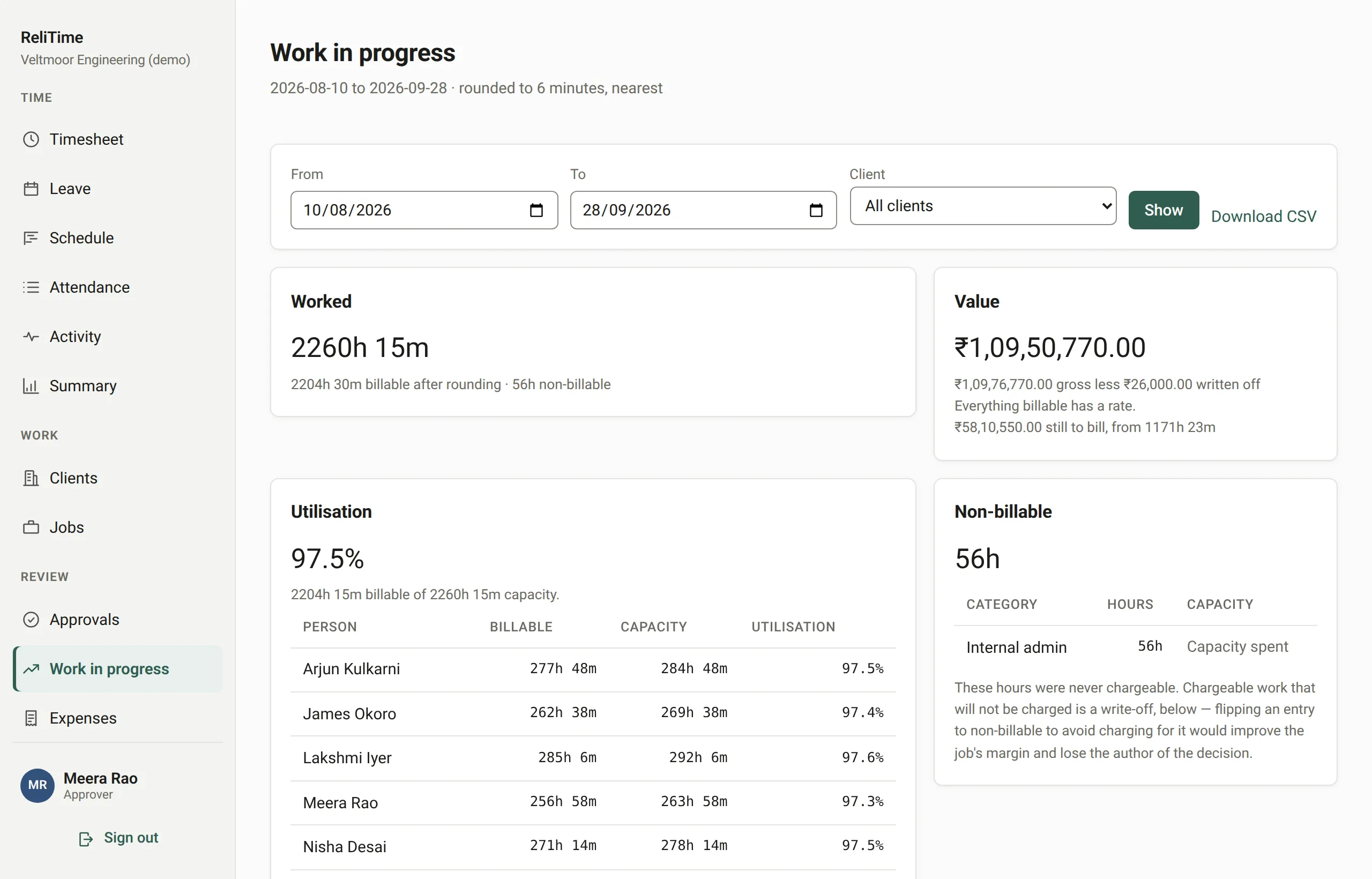
Work in progress prices every approved hour at the rate in force on the day it was worked. It keeps time that was never chargeable apart from time that was chargeable and written off, and shows what has been billed and what is still to bill.
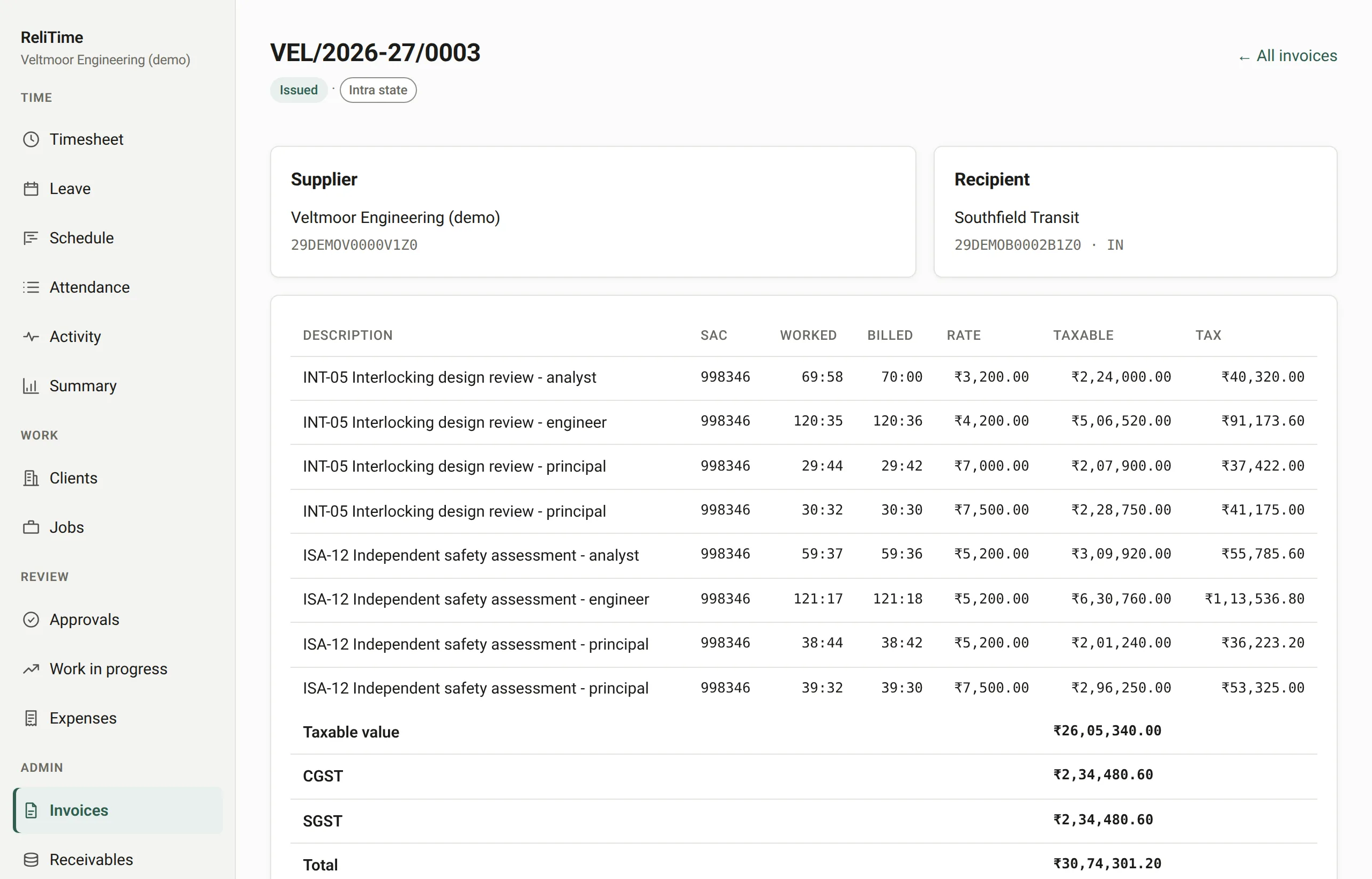
Invoices are drawn from approved, locked weeks, so the hours on the invoice are the hours that were approved. CGST and SGST or IGST are worked out from both registrations, exports are zero-rated, and each line carries the job's SAC code.
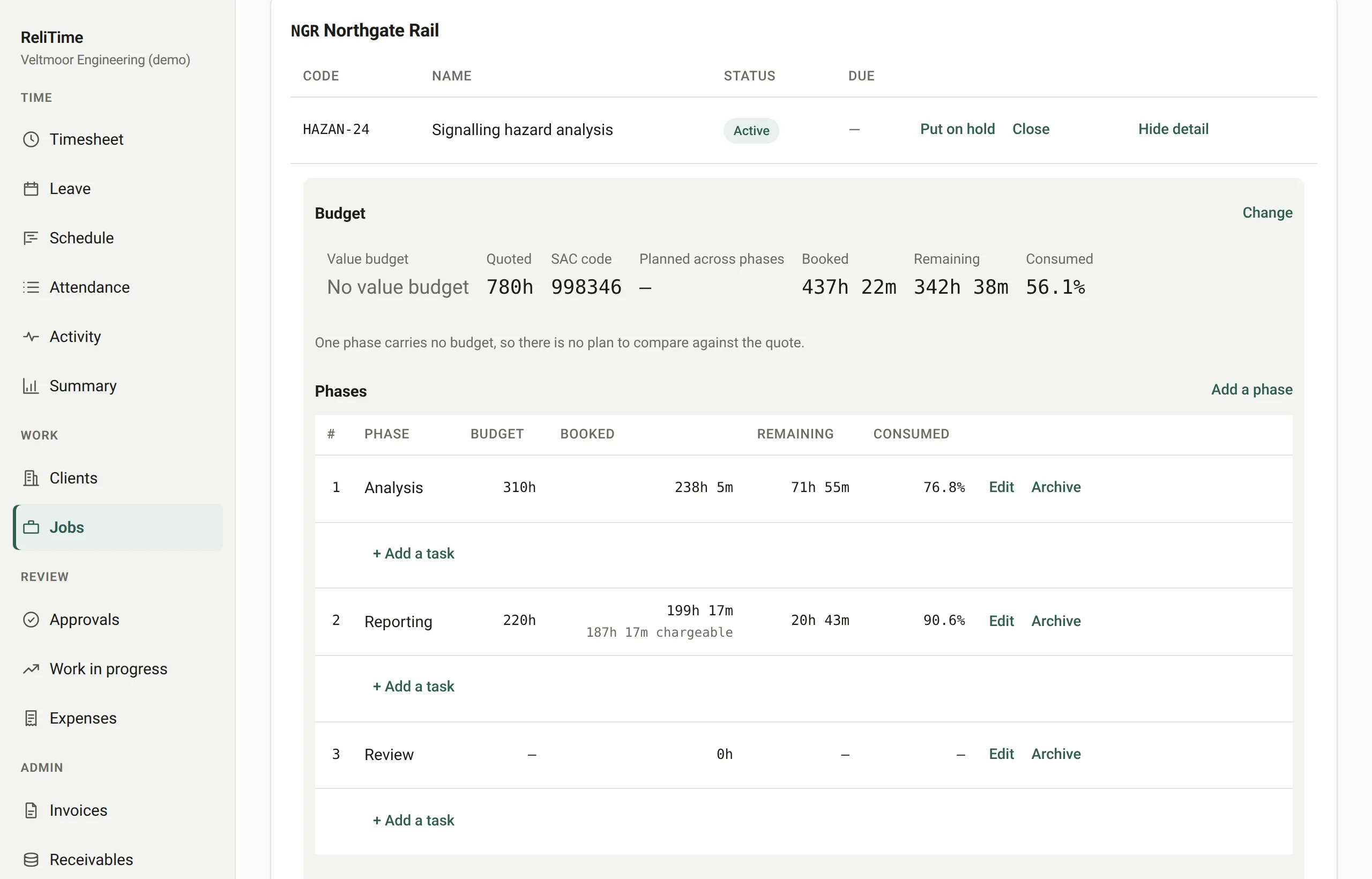
Yes. A job is split into phases and each phase into tasks, and people book time to a task. Budgets can be set on the job, each phase and each task, and the gap between them is shown rather than hidden.
Nothing. A new rate starts on a date and never overwrites the old one, so re-running a March invoice in June prices it at the rate in force in March.
Yes. Cost rates sit beside billing rates, and the work in progress report shows margin to administrators. Approvers see what the work is worth without seeing anyone’s pay.
No. Non-billable time carries a reason, and chargeable time you decide not to bill is written off by a named person, so the report keeps the two apart.
Timesheets, approvals, rates, budgets, invoicing, leave and scheduling, one at a time.
See the featuresTax invoices raised from approved hours, with CGST and SGST or IGST worked out for you.
See GST invoicingA weekly Excel timesheet by project and phase, free to download with no sign-up.
Get the templateWe set ReliTime up with a walkthrough rather than a sign-up form. We will take you through a working organisation, from a week of timesheets through approvals and work in progress to a GST invoice, answer your questions as we go, and set up yours.
Or write to hello@relitime.com.