Scheduling and capacity
Plan people onto jobs by date and see each person's capacity against their own working days, leave and public holidays: who is full, who has room and who is over.
Project time tracking
ReliTime covers the whole loop an engineering consultancy runs on: clients, jobs, phases and tasks; time and its approval; rates, work in progress and budgets; tax invoices with GST and payments; leave, scheduling and the reports that tie them together.
People fill in a week against the tasks they are assigned to, or run a timer and stop it when they finish. The week is saved when they press Save, all of it or none of it, and submitted when it is complete.
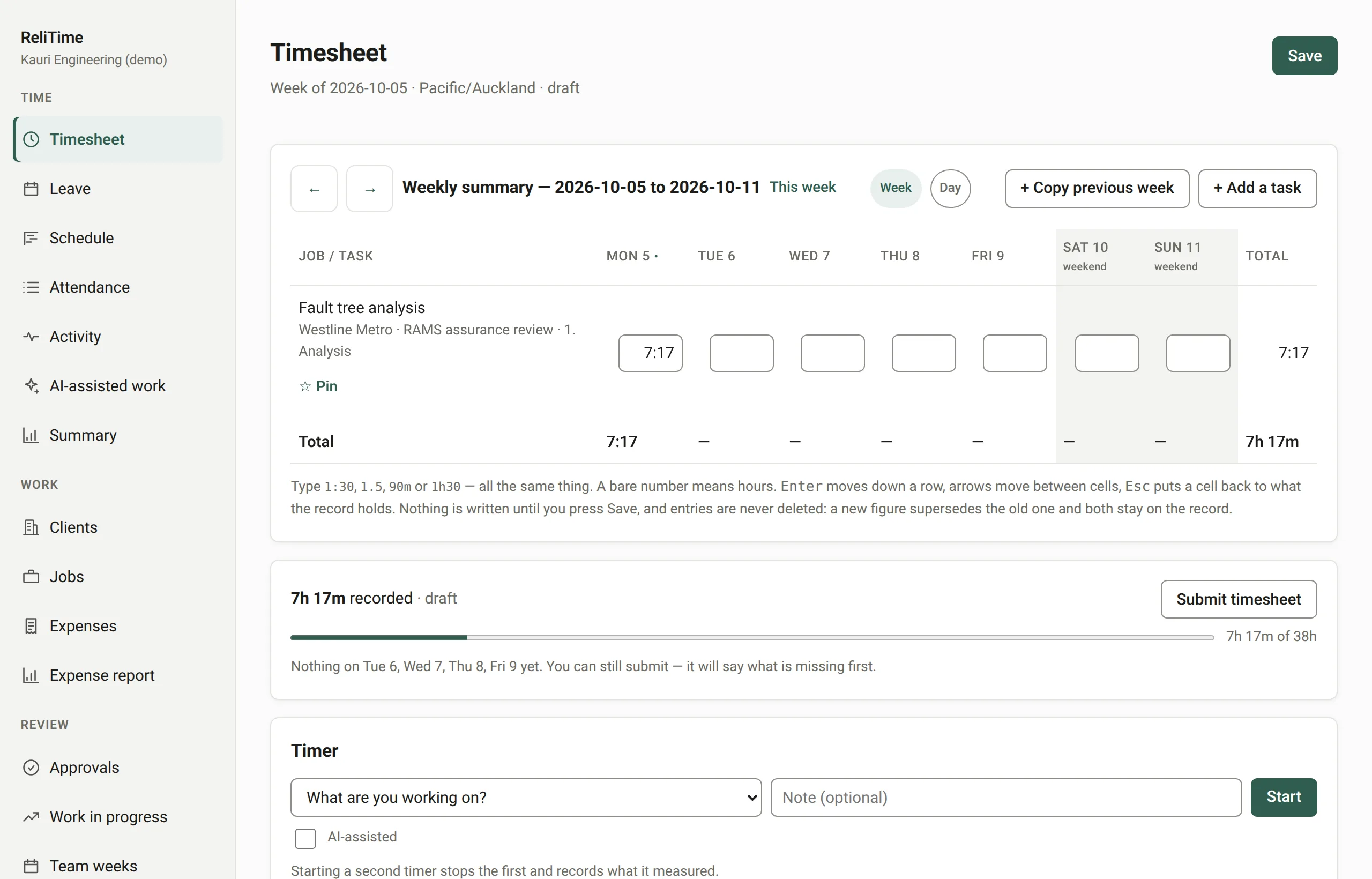
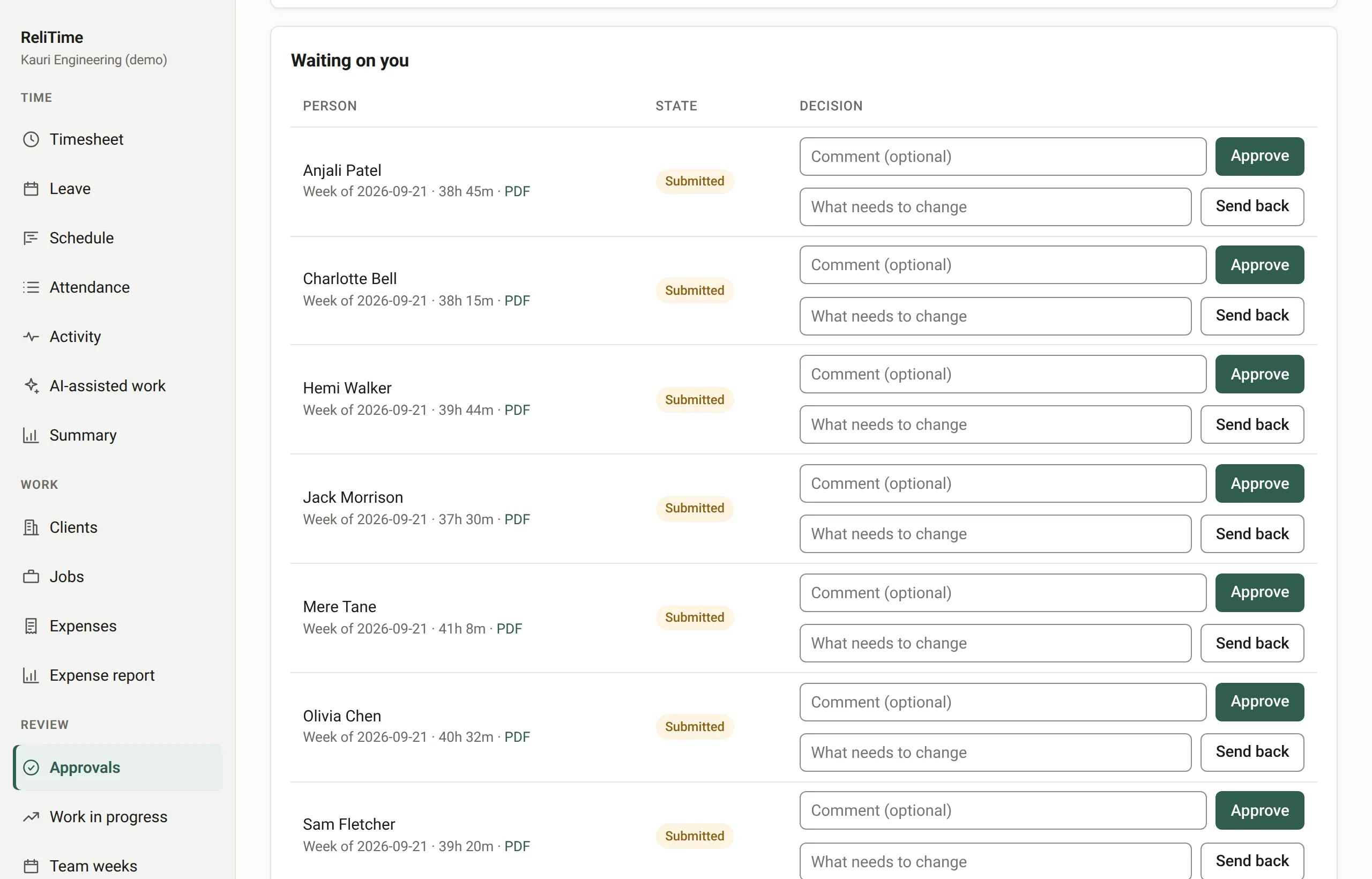
A submitted week is approved or sent back with a reason, then locked. A locked week cannot be changed; reopening it needs an authorisation from someone other than its owner, used once. By default nobody approves their own week.
The approvals screen also lists the weeks that were never started, leaving out anyone on approved leave or a public holiday, and approvers get one weekly email with everything waiting on them.
Rates are set for the whole organisation, a client, a job, a person, a role on a job, or one person on one job, and the most specific one wins. Each starts on a date and never overwrites the last.
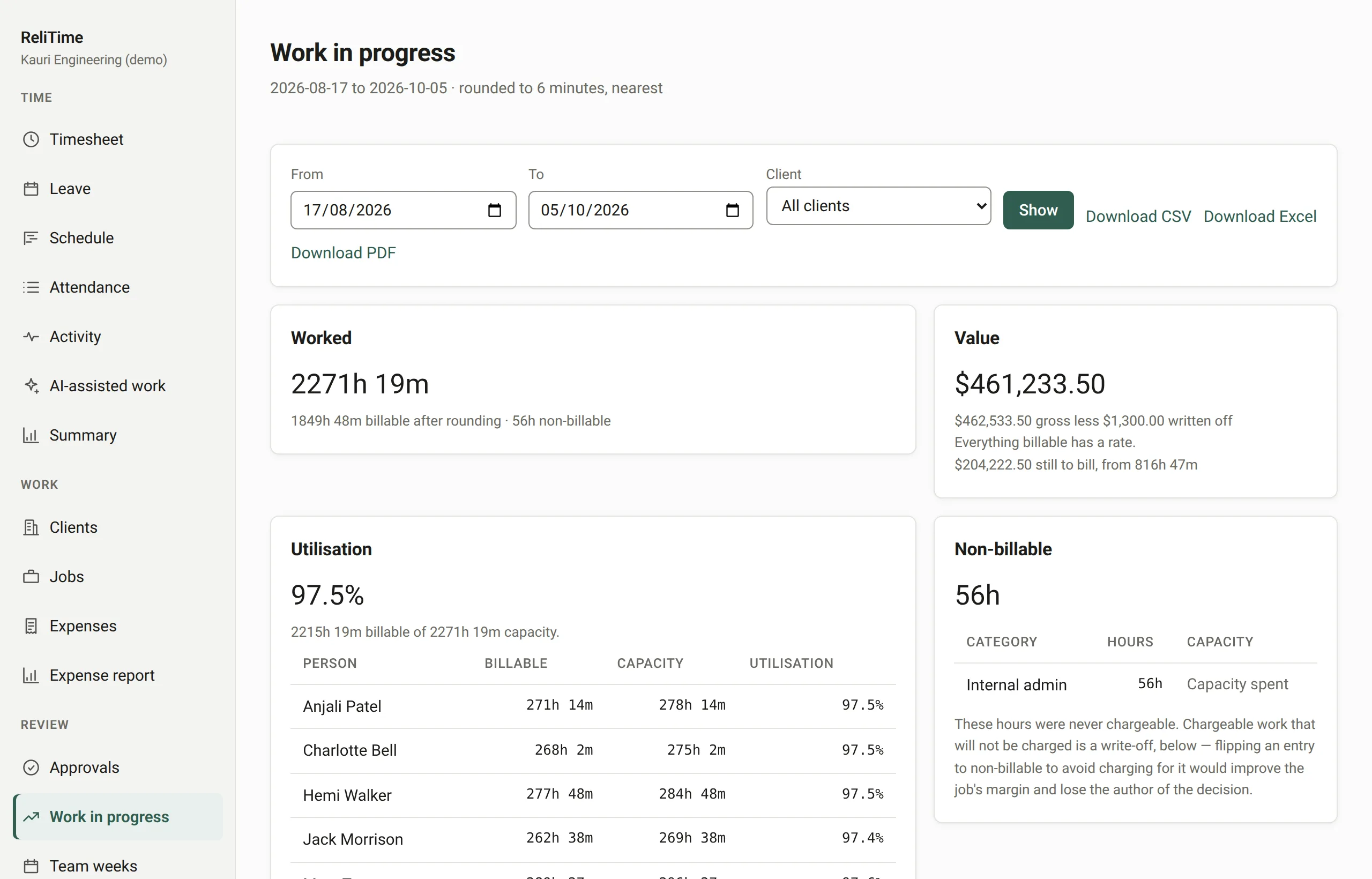
Work in progress prices every hour at the rate in force on the day it was worked. It shows what is billable, what has already been billed, what is still to bill, what was written off and what was never chargeable, with the reason. Administrators also see cost and margin; the report exports to a spreadsheet.
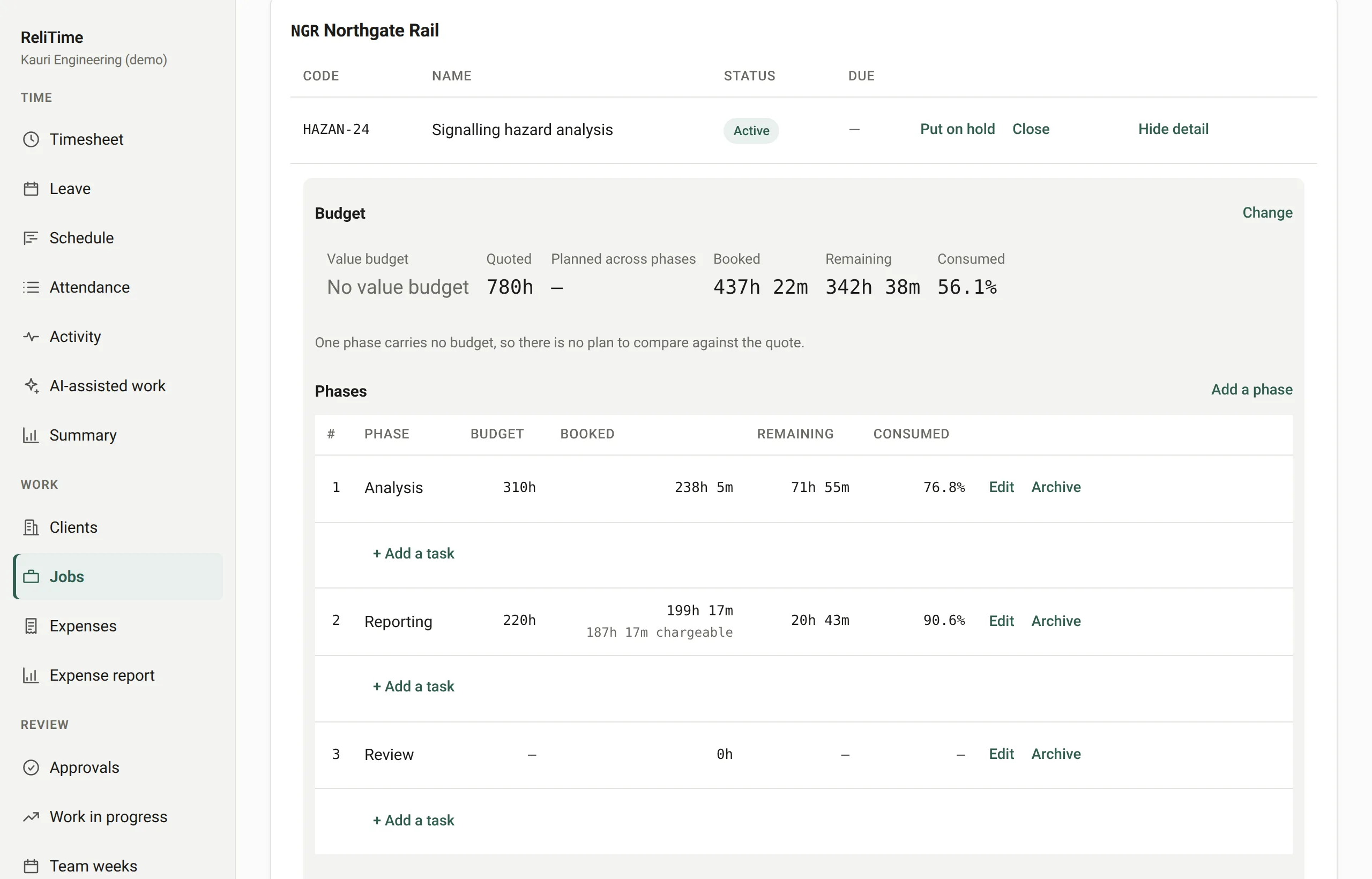
A job carries the hours it was quoted and, if you like, a value in money; its phases and tasks carry their own hours. The job screen sets the quote beside the plan and both beside the hours booked.
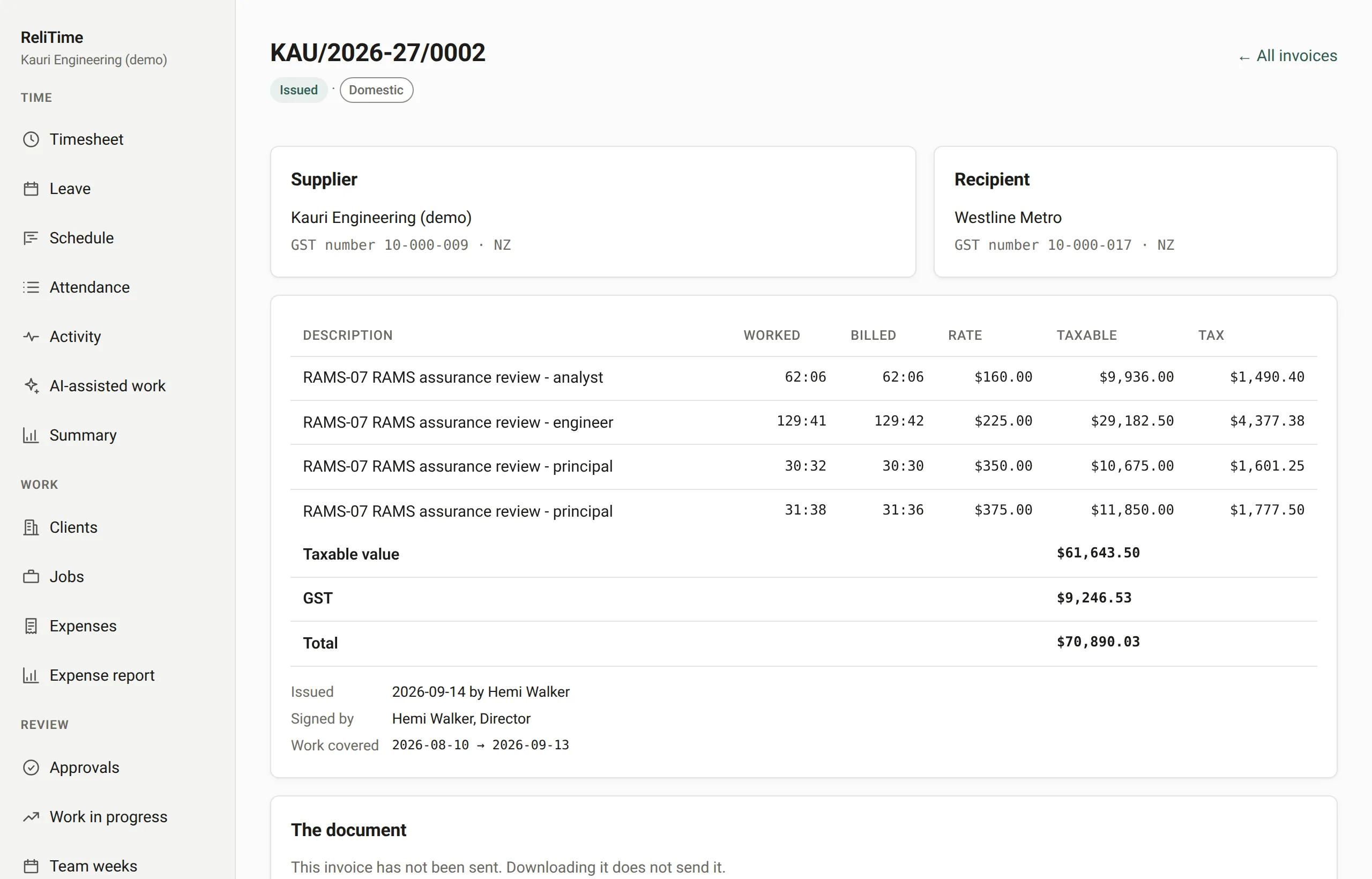
A panel lists every client with approved, locked work waiting to be billed and what the invoice would come to. An invoice is drafted from it with GST at 15% worked out for each client, issued under the next number in the series, rendered as a PDF and emailed to the client's billing address.
Payments are recorded against it, and the receivables ledger ages what is still owed. An issued invoice is corrected by credit and debit notes; nothing edits one.
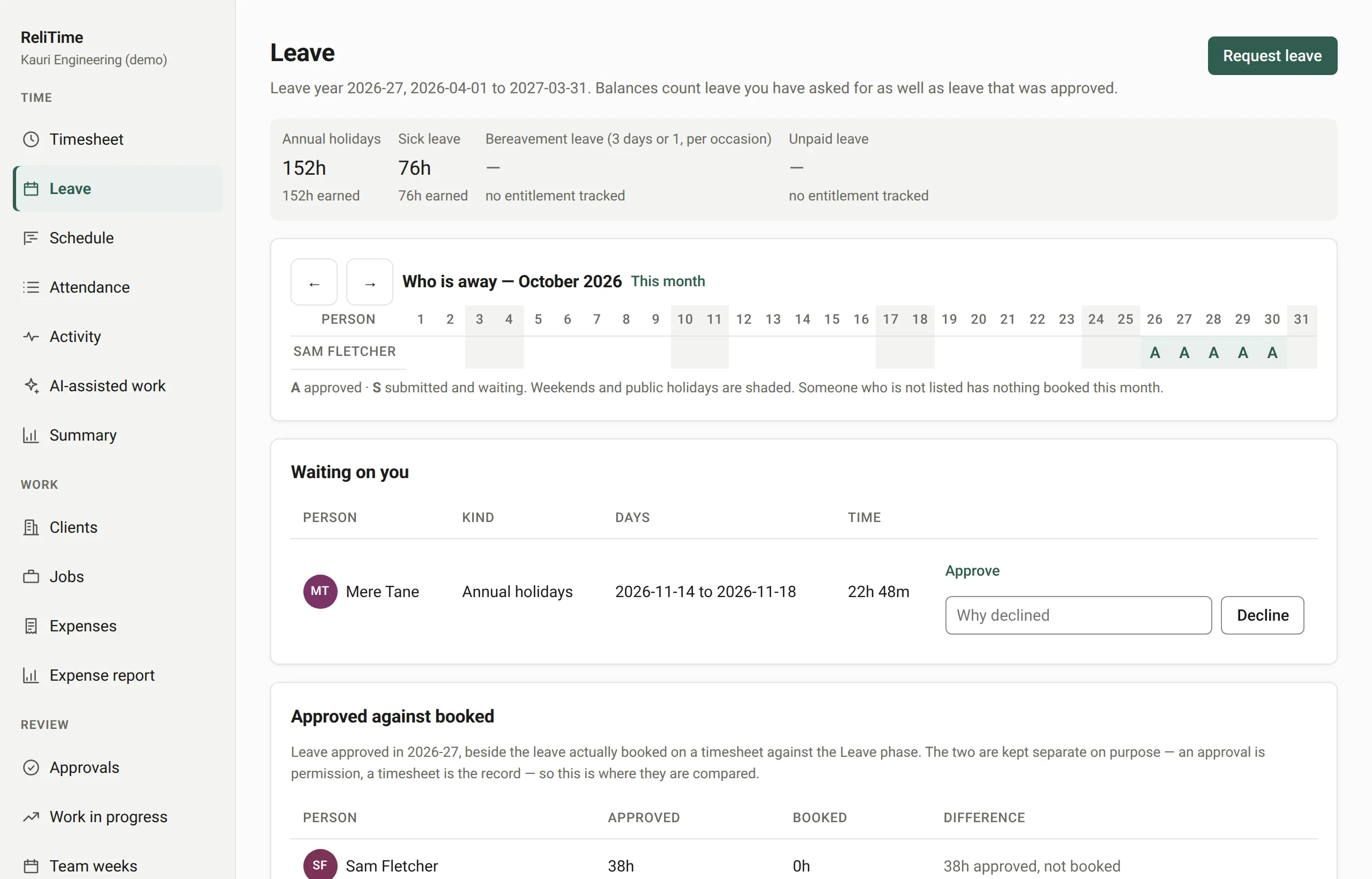
A new New Zealand organisation starts with annual holidays of four weeks and sick leave of ten days, neither for casual staff, bereavement leave and unpaid leave. Each is a setting you can change. The leave year starts in April.
Requests are approved beside timesheets, nobody approves their own, and a month timeline shows who is away, including requests still waiting, before anybody approves the next one.
Plan people onto jobs by date and see each person's capacity against their own working days, leave and public holidays: who is full, who has room and who is over.
Anyone can record a cost; somebody else approves it before it can be billed. A cost recharged at the amount paid is billed as a disbursement, and the business's own costs, like a software licence, stay out of billing and count against the job's margin.
Every entry for a range, filterable and exportable, with each export recorded in the audit log. A day-by-day view of where time went, and exports of jobs, invoices and work in progress as CSV files that open in Excel.
Each person can see their own start and finish times and hours beyond a standard day. It is their record, so it is shown to them first.
Invite people by email, give each a role, and record the days they work and the hours in their day. Someone who leaves is deactivated and loses access on their next request.
Save a job's phases and tasks as a template for the next one like it, or import a task list from a spreadsheet. The preview shows exactly what will be created before anything is.
Export your data from WorkflowMax as CSV, we import it for you, and you check projects and rates before anybody records time. Past timesheets count against budgets and are never billed again.
We set ReliTime up with a walkthrough rather than a sign-up form. We will take you through a working organisation, from a week of timesheets through approvals and work in progress to a tax invoice, answer your questions as we go, and set up yours.
Or write to hello@relitime.com.